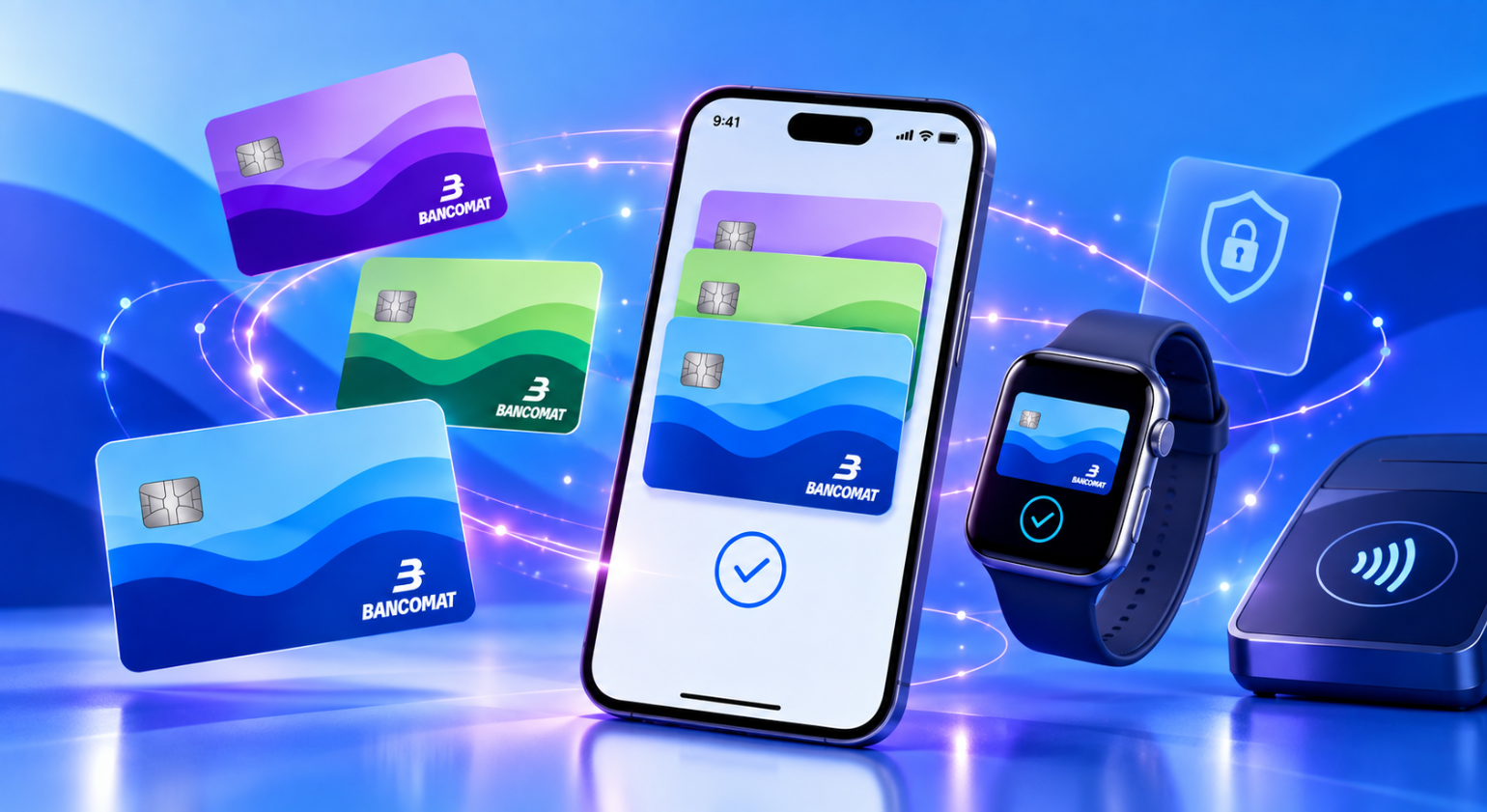
How to pay with your smartphone using a digital wallet
Digital payments are making many daily tasks faster and more streamlined, reducing the need to carry cash and physical cards. Thanks to digital wallets, you can link your payment cards and use them directly from your smartphone for everyday purchases. Your phone can effectively replace your physical wallet in many situations. Let’s look at what a digital wallet is, how it works, and how to pay with your phone.
What is a wallet and how does it work?
A digital wallet is an application that allows you to store and use your debit, credit, or prepaid cards in a digital format. Once added to the wallet, these cards can be used directly via your smartphone or other enabled devices, without needing to carry the physical card with you.
Within the wallet, you can manage multiple cards, set one as your default for payments, and select a different one from your stored cards whenever you need to before completing a transaction.
Setting up your smartphone for payments
To start paying with your phone using a digital wallet, you need to meet a few requirements:
- a smartphone equipped with NFC technology, which enables short-range communication with contactless POS terminals;
- a payment card enabled for the service by the issuing bank;
- a wallet supported by your device.
Some of the main wallets that allow you to digitize your payment cards include Apple Pay, Samsung Wallet, Google Pay and Huawei Pay.
Adding cards to your digital wallet
The procedure for adding a card to a digital wallet may vary depending on the card and the wallet used. In general, digitization can be initiated in two ways: from your bank's app or directly from the wallet itself.
When available, you can select your card within your bank's app and choose the option to add it to your wallet. The process then continues in the wallet, where you complete the necessary steps, such as verifying the cardholder and accepting the terms and conditions, without having to manually enter your card details.
You can also add a card directly from the wallet by entering the required information. This is followed by cardholder verification and acceptance of the service's terms and conditions.
Once activation is complete, the card is available in your wallet and can be used to pay with your phone. If you have multiple cards in your digital wallet, you can set one as your default or select which one to use each time.
How to pay with your phone in physical stores
After digitizing your card in your wallet, paying in-store takes just a few steps. While methods may vary depending on your device and the wallet used, generally you just need to:
- authenticate on your smartphone using a PIN, fingerprint, or facial recognition;
- hold your phone near the contactless terminal, opening the wallet beforehand if required by the system;
- wait for confirmation of the transaction, indicated by the terminal and/or your smartphone.
Payments are made via contactless technology using NFC (Near Field Communication), which allows your smartphone and the terminal to exchange the information needed to complete the transaction at close range.
All the benefits of a digital wallet
Using a digital wallet lets you keep your payment methods right on your smartphone, offering several advantages for daily transactions. Contactless payments can be completed in seconds, and there is no need to carry cash or physical cards.
A digital wallet also makes it easier to track your spending: depending on the service used, you can view transactions within the wallet and receive real-time notifications whenever a payment is made.
Security is another key benefit. In digital wallets, sensitive card data is replaced by a digital identifier, or token, used to process the transaction. This ensures that your physical card details are never shared with the merchant during payment.
Frequently asked questions about digital wallets and smartphone payments
Can I pay without my physical card?
Yes. Once you have added and activated your card in your wallet, you can pay with your phone without needing to carry the physical card.
Does the wallet work without an internet connection?
Yes, you can pay even without an active data or Wi-Fi connection. Short-range communication between your smartphone and the merchant's terminal takes place via NFC technology. An internet connection is only required to add a card to your wallet or to use certain features.
Is paying with your phone secure?
Yes. Digital wallets use security systems like tokenization, which replaces your physical card's sensitive data with a unique digital code (token) used to process the transaction. This way, your physical card details are never shared with the merchant. In addition to this protection, device authentication systems—such as a PIN, fingerprint, or facial recognition—are used to verify the cardholder's identity and authorize the payment.
Do digital wallets accept BANCOMAT cards?
Yes, cards enabled for the BANCOMAT circuit can be digitized in digital wallets, but service availability depends on the bank that issued your card.
To check service availability and view the list of participating banks, please visit the pages dedicated to Apple Pay, Samsung Wallet, Google Pay, and Huawei Pay on the BANCOMAT website.


documents & support
Contact usPrivacy PolicyContest RulesEthics, Compliance and TransparencyTerms and conditionsStay tuned


BANCOMAT S.p.A.
Registered Office: Piazzale Luigi Sturzo 15, 00144, Roma
Offices in Milan: Piazza Vetra, 17, 20123, Milano
Tax code 04949971008 - Partita IVA 09591661005
Iscrizione al Registro delle imprese di Roma
REA n. 1210597
Share capital € 36.917.523,00 i.v.
The security of BANCOMAT Cards haas been tested by the Polytechnic University of Turin. Download technical report

Patent registered by BANCOMAT at national level
